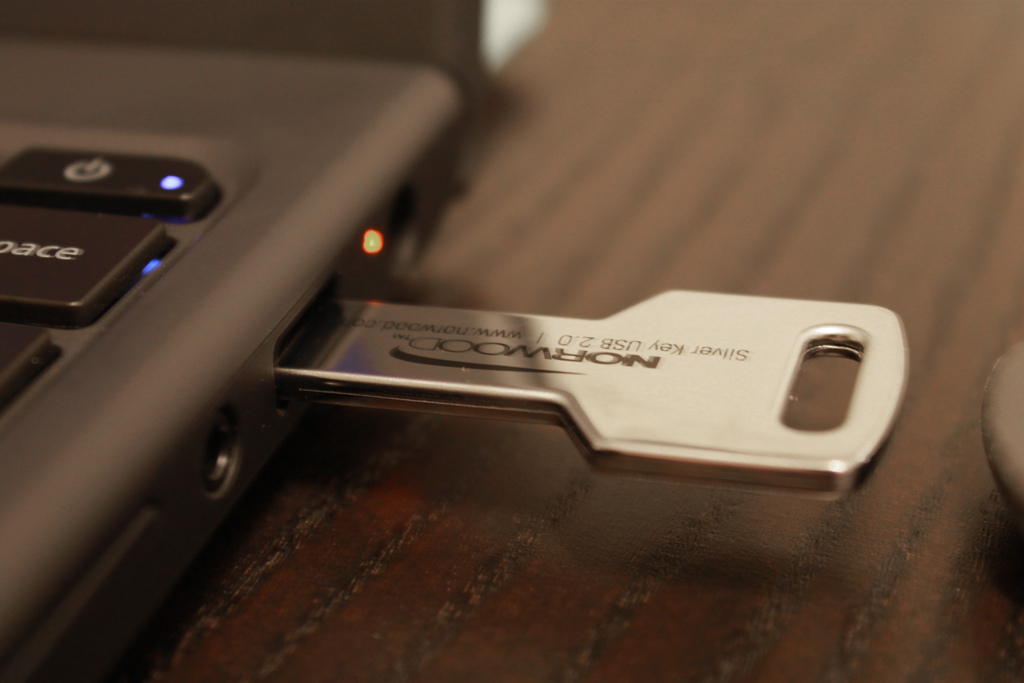
USB Key
The first line of defense in any Windows NT or Windows 2000 system is the logon procedure. To begin a session, the user begins by “logging on”. The critical part of the logon process is requiring the user to enter a personal password: the identity of the user is supposedly “authenticated” by the password. In other words, possession of the password is assumed to guarantee that the user is authentic.
The weakness of a password-based authentication system is based in human frailty — passwords can be stolen, shared or forgotten. To rectify this situation, one might employ a system that uses hardware authentication, such as a physical key. Each user then uses their physical key to prove they have authorized access. The best solution is to combine a hardware key system with a a PIN code. The key provides access only if the user has the correct PIN code, and the user is prompted for their PIN code only if they have the key.